
How to Search Civil Dockets
Begin with the official Gilpin-filtered Docket Search, which carries the scheduled hearings. County Court takes civil claims below $25,000 plus small claims. District Court holds general civil jurisdiction. Domestic, probate, juvenile, and mental-health matters sit in separately classed categories there. The calendar needs a filter beyond date, so pick a court level before you browse.
- Select Gilpin County and the Combined Court when a courthouse filter helps.
- Choose County, District, or Both based on the claim and case class.
- Add party, business, attorney, division, or year, class, and sequence fields.
- Match the case number, hearing label, location, appearance mode, and courtroom.
- Request the ROA or exact pleading, order, judgment, or decree from the clerk.
The clerk's office also answers requests by phone at 303-582-5522, by email at GilpinClerksOffice@judicial.state.co.us, at the counter, by mail, or through the statewide Record/Document Request Form. CCE serves authorized filing and parties' own cases only. It is not a tool for open public civil research.
The Gilpin $25,000 Civil Line
Money decides the routing. Gilpin County Court hears civil claims below $25,000. Small claims and protection-order work stay there too. Above that line, general civil matters go to Gilpin District Court. That court faces no limited-jurisdiction cap. Domestic relations and probate cases also run through District Court classes and their own document menus.
| Class | Level | Typical category |
|---|---|---|
| C | County Court | Civil below $25,000 |
| S | County Court | Small claims |
| CV | District Court | General civil |
| DR | District Court | Domestic relations |
| PR | District Court | Probate |
A number like 2026CV30001 only demonstrates the format. The year, class, and sequence make up the whole string. It is not a real case. Choosing the right class keeps a County civil search from missing a District civil file.
Gilpin Civil Docket Class Codes
Case classes sort out similar names. They also point a docket search at the proper court level. C stands for County Court civil. S means small claims, and CV marks District Court civil. DR covers domestic relations, and PR covers probate. The Docket Search breaks a number into year, class, and sequence. A safe example is 2026CV30001. It illustrates the fields but names no real case. When the class is unknown, search both court levels. Then match the location, hearing type, and party label before requesting any document.
What a Civil Docket Shows
The public calendar shows an event schema rather than a full civil case sheet. Its name label and case number help you identify a matter. Hearing and appearance fields then tell you how a listed setting is framed.
| Date and time | The currently published start of the civil setting. |
|---|---|
| Duration | The calendar’s allotted length, not a guaranteed end time. |
| Case label | The displayed name or caption. |
| Case number | The year, civil class, and sequence. |
| Hearing type | The listed event, such as case management, pretrial, motions, or trial. |
| Location and mode | The courthouse, courtroom, and virtual, in-person, or no-appearance instruction. |
Plenty stays off the screen. The display leaves out filing date, party roles, counsel of record, claim, amount, service status, ROA entries, documents, judgment, costs, disposition, and related matters. When exact text matters, request the source document from the clerk.
Gilpin Calendar to Certified Order
Four separate products come out of one case. There is a civil setting, an ROA, a filed document, and a certified copy. The free calendar says what hearing is published. The ROA gives a brief chronology. A filed order or judgment carries the court's exact words. Certification authenticates a copy. The official request form asks for requester contact data, case number, type, year, county, party information, and the exact document. Family selections include a Divorce Decree, Parenting Plan, Separation Agreement, Support Order, and Petition. Civil selections cover Order for Judgment, Transcript of Judgment, Satisfaction of Judgment, and Protection Order. Probate has its own menu for Letters, Will, Trust, Application, Petition, Closing, and Claims.
Choose the record first: ask for the ROA when chronology is the goal, the named pleading or order for substance, and certification only when authentication is needed.
Gilpin Civil Docket Document Menus
A calendar row will not hand you the pleading or judgment behind a setting. The official form's civil choices run from Order for Judgment to Transcript of Judgment. Satisfaction of Judgment and Protection Order round out that menu. Family and probate matters carry their own menus for decrees, parenting plans, letters, wills, petitions, and related filings. Name the exact product when you can. An ROA is the short chronology. A filed order supplies the court's full language, and a certified copy adds clerk authentication. Picking the right layer spares you paying for a document that cannot answer the question at hand.
Types of Civil Cases on the Docket
Gilpin civil dockets span several classes across two court levels. The free search can list a hearing for each public matter. It does not expose the pleading text or the case history, though, so treat it as a calendar rather than a file.
- County civil claims below $25,000, including limited contract, property, and other civil disputes.
- Small claims under the S class in County Court.
- General District civil matters under CV.
- Domestic-relations matters under DR, with separate family-document choices.
- Probate matters under PR, plus juvenile and mental-health files subject to tighter access controls.
Protection orders sit within County Court jurisdiction and show up as a request-form category too. Sealed or protected material, along with juvenile and probate records, can require government photo identification. Access is decided record by record.
Gilpin Civil Filing Scale
FY2024 official tables counted 113 County civil filings and 7 small-claims filings. District Court recorded 93 civil, 33 domestic, 31 probate, 3 juvenile, and 8 mental-health filings. The numbers describe filings by category and nothing more. They say nothing about how long a case lasted. Nor do they show whether a current calendar is crowded.
The category split shows why the class field matters. A general CV case, a DR case, and a PR file all live at the District level, yet each uses different document choices and may carry different access limits. Districtwide assignments add a wrinkle. The First Judicial District gives one district judge juvenile matters and another probate, while a magistrate handles probate and mental-health work. Shared assignments like these can shape the calendar. The Gilpin County file's home court stays put. Search by the correct class and location, then lean on the current hearing record for the assigned courtroom and appearance mode. A districtwide assignment never shifts the record to a municipal clerk. It also does not create a separate public document portal.
Settings and Hearings on Civil Dockets
A Gilpin County civil docket uses labels such as Return Date on Summons, Case Management Conference, Initial Conference Appearance, Pretrial Conference, Motions Hearing, and Jury Trial. Each label marks a step in the case. None of them is a result. Case-management settings map out issues and timing. Pretrial conferences test whether the case is ready. A motions hearing addresses a request for a ruling, and the ruling itself comes later.
The public civil calendar keeps no history of resets. So if a hearing was continued, an old printout is stale. When two dates conflict, trust the latest court order or ROA and call the clerk to confirm. Read the appearance mode exactly as written. Watching a livestream is not appearing, and joining virtually needs approval first.
The current Gilpin County Court Calendar can help you spot the setting, though the filed scheduling order is what actually controls your obligations in the case.
Do not assume too much from one label. A Return Date on Summons may require no appearance at all. The calendar can say so. A separate order spells out what must be filed. An Initial Conference Appearance usually signals an early domestic or case-management event, not final relief. Match the label to the case number, check the mode, and pull the related notice or order before you act.
Gilpin Civil E-Filing Boundaries
Colorado Courts E-Filing accepts filings in authorized case types, and the official page lists which categories qualify.
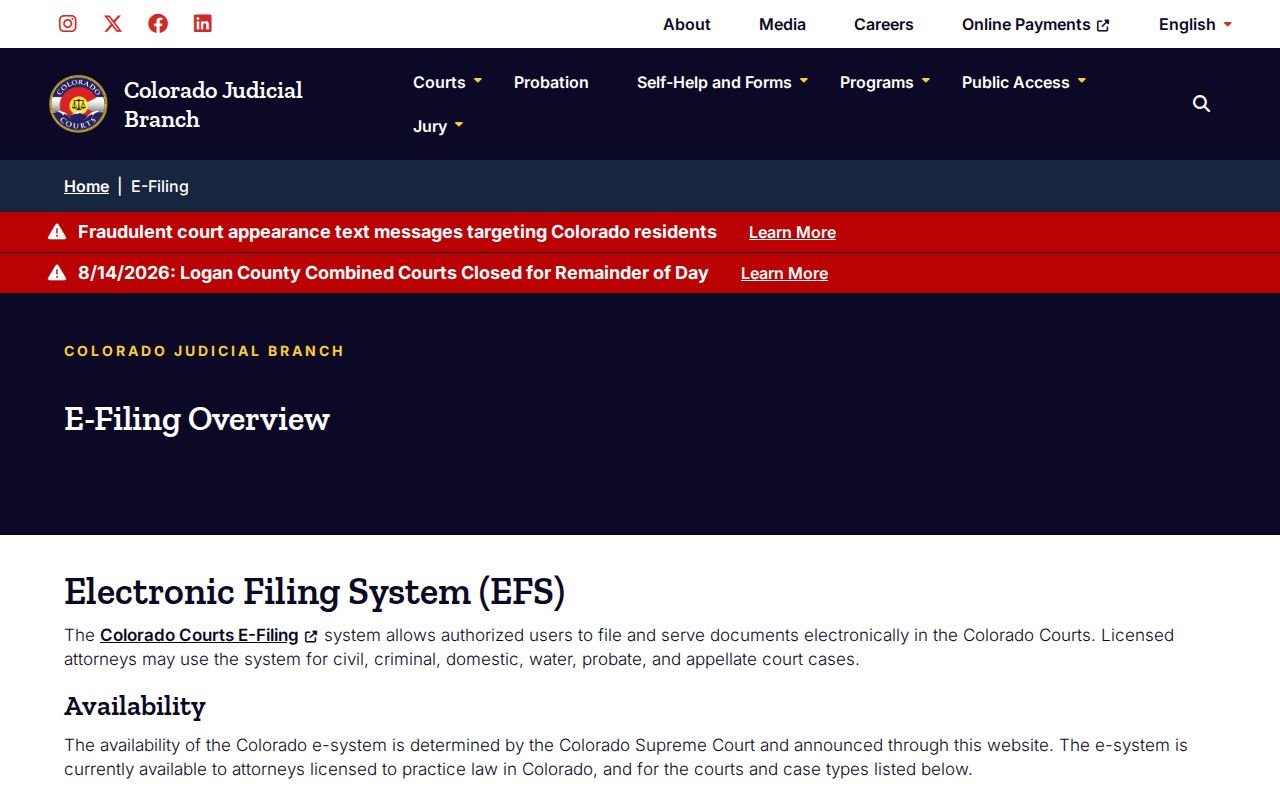
Filing through the system is not the same as searching public records. It does not replace Docket Search or a clerk request.
A non-attorney can register and join an existing eligible domestic-relations or eviction case. The self-represented party access page covers approval, filing, and service. Limits on your own case are spelled out too.
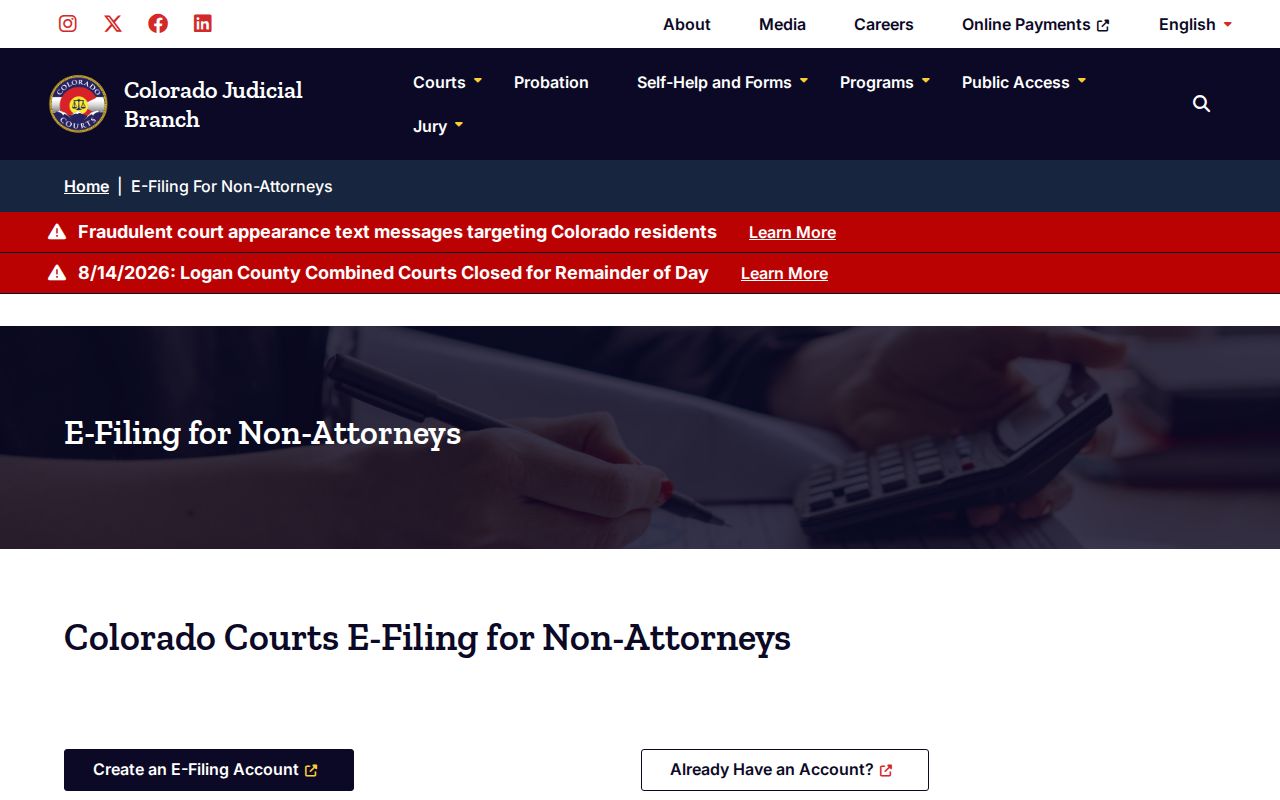
Approval can take up to two business days. Access is limited to your own case; it is not authority to inspect unrelated civil files. The state also documents a 2026 CCE certification change and its later removal.
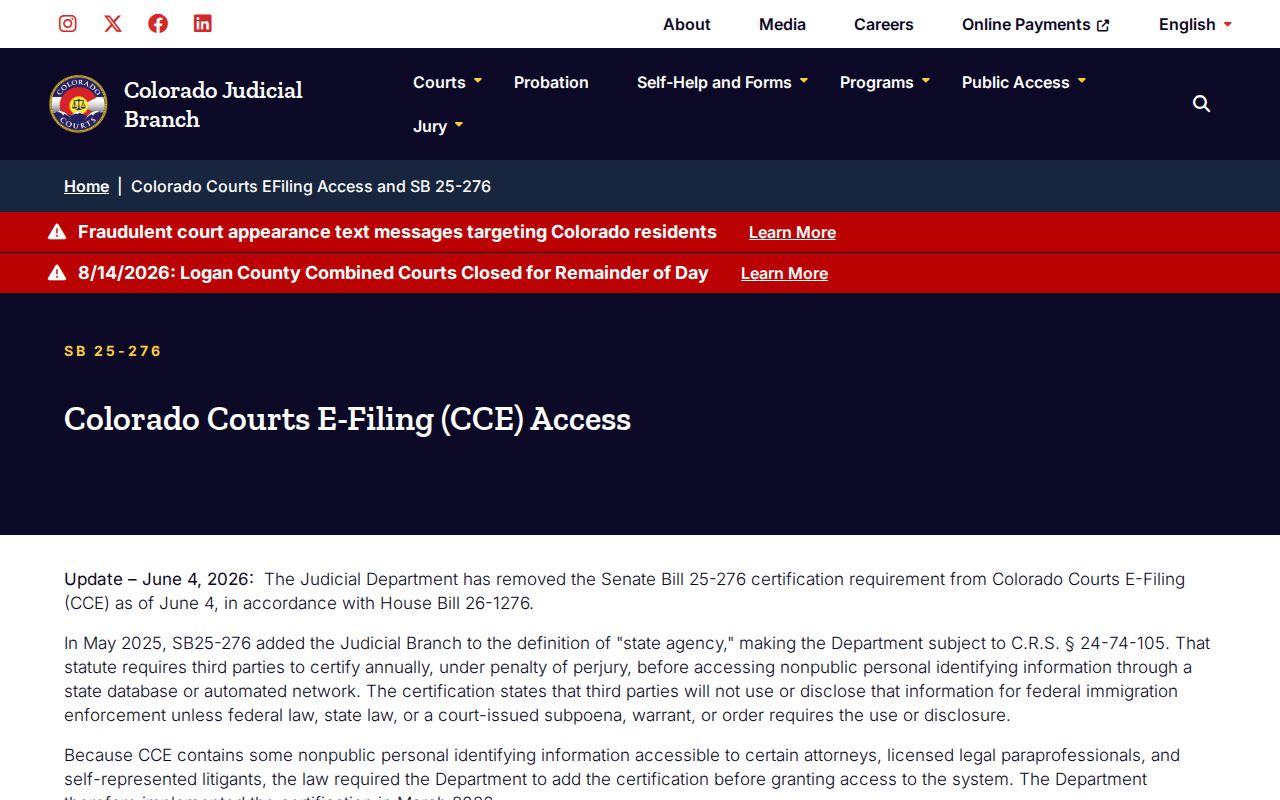
That update changed filing-system prompts, not the public scope of the Gilpin civil docket.
Gilpin Civil Docket Transcript Distinction
A $25 Transcript of Judgment is a clerk document used to enforce a judgment. It is not testimony. Do not confuse it with a hearing transcript, which records what was said. That record follows JDF 4 and the First Judicial District transcript process. Its availability and price rules are its own.
The difference matters when a Gilpin County civil calendar lists a hearing and you need the words spoken there. The calendar only shows that an event was published. The signed order, the ROA, and the hearing transcript are separate records. Each is requested through its own channel.
Public Access to Civil Dockets
Public access rules come from the state, not the county. CJD 05-01 governs inspection and copies of court records. CJD 06-01 supports the fee schedule. P.A.I.R.R. 2 covers Judicial Branch administrative records. It does not cover a particular civil file. A general county records form is not the case-file route either.
Access rule: sealed, suppressed, juvenile, probate, and protected information may be restricted. The filing court and clerk decide access under the governing directive, statute, rule, and order.
Copies of Gilpin County court records carry set fees. Plain copies run $0.25 per page, capped at $15 for parties and their attorneys. Certification or exemplification costs $20 per document. A name search is $5. Off-site retrieval costs the actual amount. Research or redaction runs $30 per hour in 15-minute units after the first hour.
A missing result does not mean the file is sealed or closed. Check the city, court level, class, spelling, and date window before concluding anything. Older records may sit off-site. A case with no current hearing may simply have no calendar row. The clerk can confirm the file exists. The clerk can also explain what identification or authority a restricted document requires.
Gilpin Civil Appeals and Records
Appeals from Gilpin County Court civil judgments ordinarily go to District Court. A District Court judgment generally moves up to the Colorado Court of Appeals.
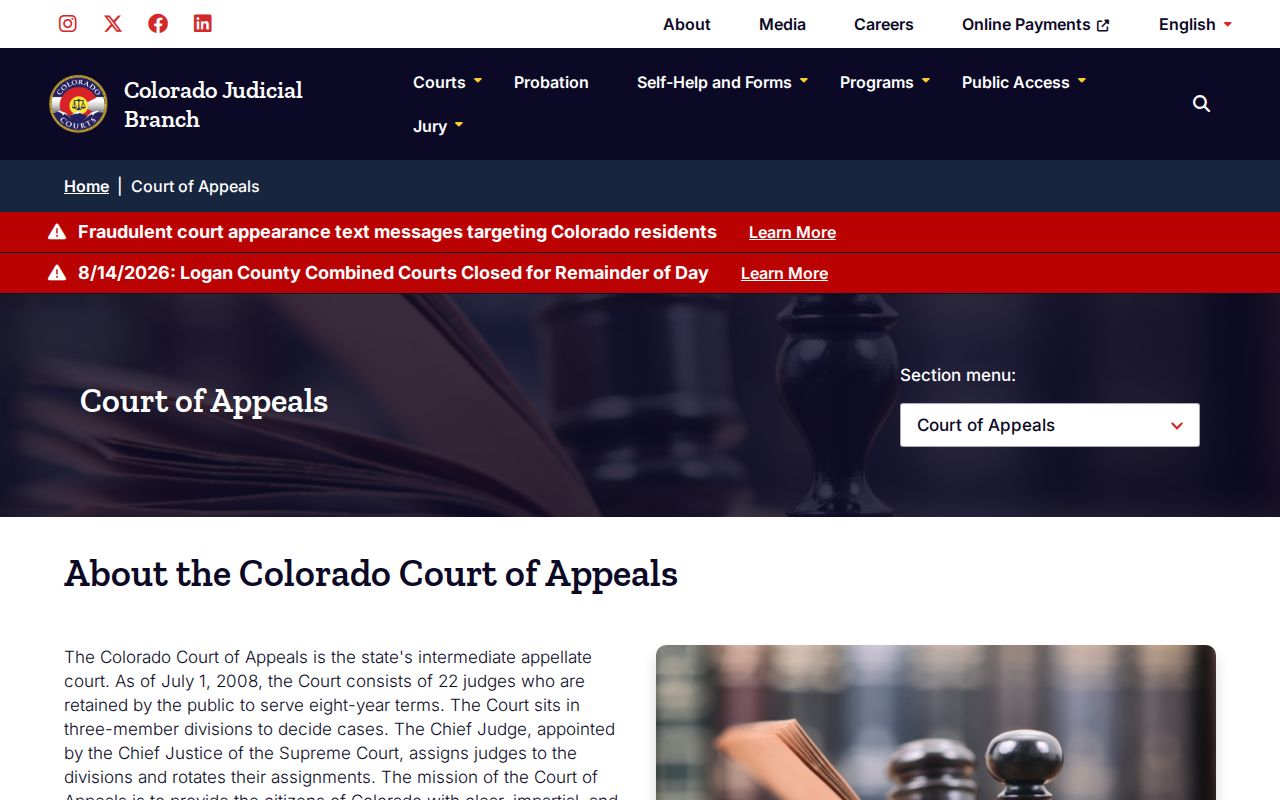
The appellate page describes a separate court layer, not the trial calendar. The Colorado Supreme Court sits at the top as the state court of last resort.
An appeal brings its own record needs. A calendar entry or a payment receipt is not the designated record. A certified trial order still has to come from the clerk that holds it.
To request a pleading behind a setting, submit the official form. Name the exact document and say whether certification is needed. Expect an identification review when protected categories are involved. The form targets a response within three business days absent extenuating circumstances, though a large or archived request may take longer to complete.